
How to Deposit and Withdraw in 75Pak Game
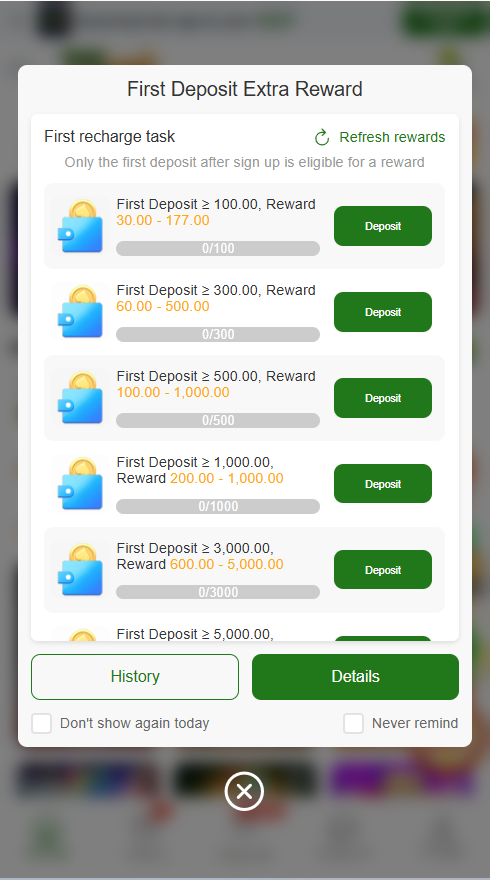
How to Deposit Money on 75Pak Game
1: Open the App
First, open the 75Pak Game app on your mobile phone. Log in to your account.
2: Go to Wallet Section
Find the “Wallet” or “Deposit” option on the main screen. Tap on it.
3: Select Payment Method
Choose your payment method.
You can use JazzCash, EasyPaisa, or bank transfer.
4: Enter Amount
Type the amount you want to deposit.
Make sure the amount is correct.
5: Confirm Payment
Follow the instructions shown on the screen.
Confirm your payment.
6: Check Balance
After a few seconds, your balance will be updated in your wallet.
How to Withdraw Money from 75Pak Game
1: Open Wallet Section
Open the app and go to the “Withdraw” option.
2: Select Payment Method
Choose JazzCash, EasyPaisa, or bank account.
3: Enter Details
Enter your account number carefully.
Double-check the information.
4: Enter Amount
Type the amount you want to withdraw.
5: Submit Request
Tap on the “Withdraw” button.
Wait for processing.
6: Receive Money
Your money will be sent to your account in a short time.
Tips for Deposit and Withdrawal
- Always enter correct account details
- Use the same number for registration and payment
- Avoid multiple small transactions
- Check network before depositing or withdrawing
- Do not share your OTP or password
- Use trusted payment apps only
- Withdraw in normal hours for faster processing